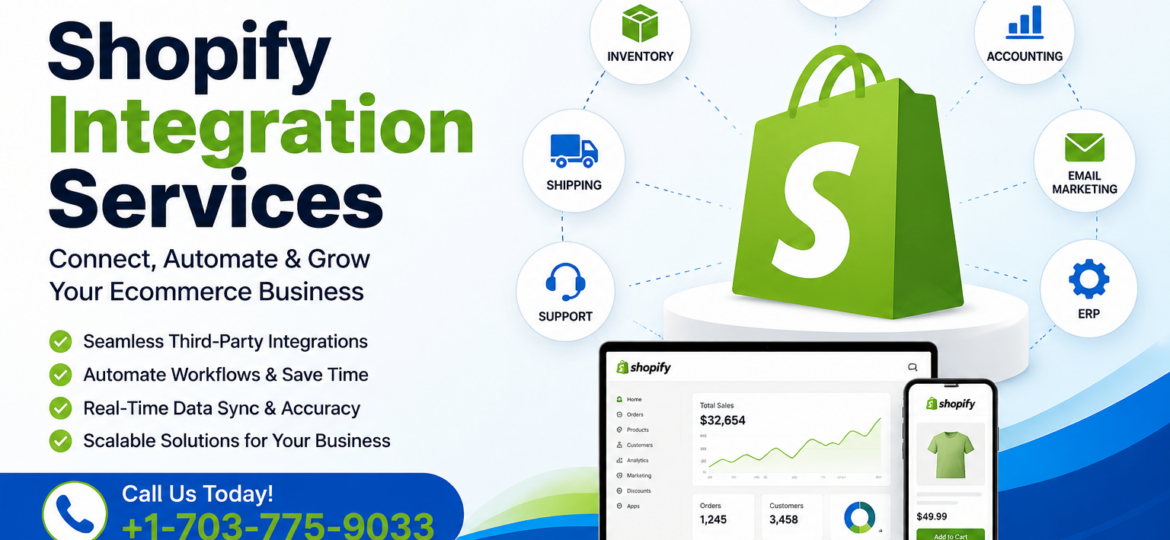
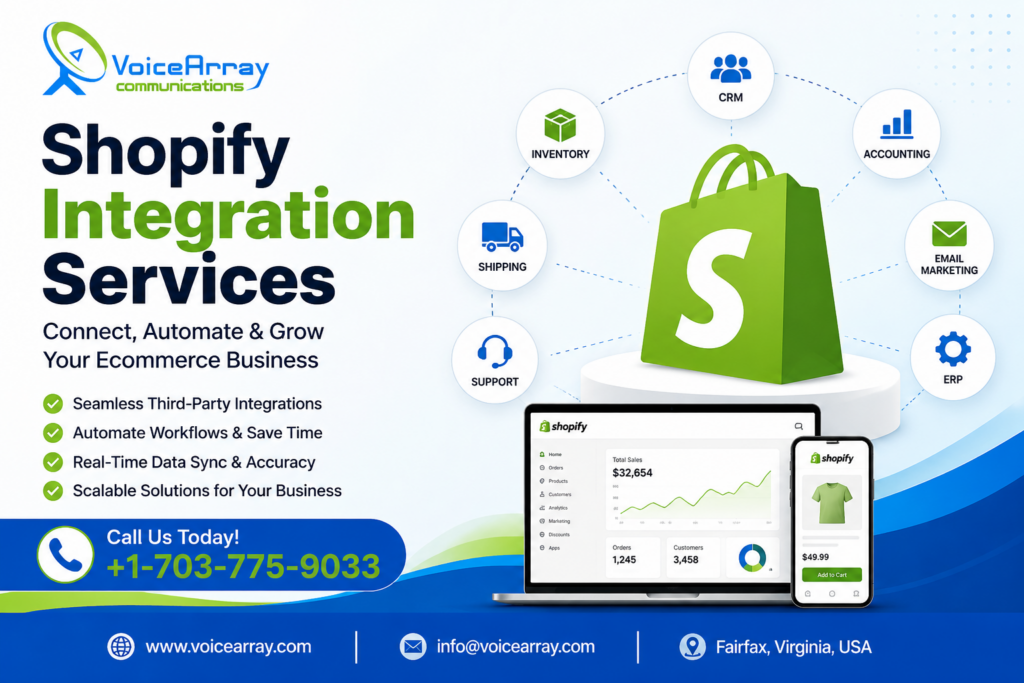
Shopify integration services help businesses connect their Shopify store with external software, platforms, applications, and business systems. Instead of managing information across separate tools, a well-planned Shopify integration can allow products, customers, orders, inventory, payments, shipping, and other business data to move between systems more efficiently.
For an ecommerce business, integration is more than simply connecting two applications. The goal is to create a reliable flow of information between Shopify and the systems that support daily operations.
For example, a Shopify store may need to connect with an accounting platform, CRM, ERP, warehouse management system, email marketing platform, payment solution, shipping provider, marketplace, or custom business application.
VOICEARRAY provides Shopify integration services focused on connecting ecommerce stores with the technologies businesses already use while keeping usability, data flow, security, and future scalability in mind.
What Are Shopify Integration Services?
Shopify integration services involve planning, developing, configuring, testing, and maintaining connections between Shopify and other software systems.
A typical integration may use Shopify APIs, webhooks, app extensions, middleware, or third-party platforms depending on the business requirement.
Shopify’s current developer platform uses the GraphQL Admin API for building integrations that interact with Shopify administration data. Shopify also provides webhooks for receiving notifications when specific store events occur.
In simple terms, Shopify integration allows different systems to communicate so that a business does not have to repeatedly enter or transfer the same information manually.
Common Shopify Integration Examples
A Shopify store can be integrated with:
- CRM and customer management systems
- ERP and business management software
- Accounting and invoicing platforms
- Inventory and warehouse systems
- Shipping and fulfillment platforms
- Email marketing and automation tools
- Payment and subscription systems
- Customer support platforms
- Product information management systems
- Custom web and mobile applications
- Sales channels and marketplaces
The right integration depends on how the business operates and which systems need to share information.
Why Businesses Need Shopify Integration
Running an online store often involves more than Shopify alone. Product information may be maintained in one system, customer communication in another, accounting in another, and fulfillment somewhere else.
Without integration, teams may spend considerable time exporting spreadsheets, copying order information, updating inventory manually, and checking multiple systems for the same information.
Shopify integration can help create a more connected workflow.
For example, when a customer places an order, the integration can transfer relevant information to an order management or fulfillment system. When inventory changes, another connected system can receive the update. When a customer record changes, the CRM can be synchronized according to the integration rules.
This can reduce repetitive work and make business data easier to manage.
Shopify Integration Services Offered by VOICEARRAY
Every business has different technical requirements, so Shopify integration should be planned around the existing technology stack and business processes.
Shopify API Integration
Shopify APIs allow applications to communicate with Shopify and work with authorized store data.
Current Shopify development documentation identifies the GraphQL Admin API as the primary API for new integrations, while the REST Admin API is now considered legacy for new development. Shopify states that new public apps have been required to use the GraphQL Admin API since April 1, 2025.
API-based integration can support workflows involving products, customers, orders, inventory, and other Shopify resources.
Shopify ERP Integration
Connecting Shopify with an ERP can help businesses synchronize ecommerce information with internal business operations.
Depending on the ERP and requirements, integration may involve:
- Product and SKU synchronization
- Inventory updates
- Customer information
- Order processing
- Fulfillment information
- Pricing data
- Business reporting
The exact data flow should be defined before development so that each system has a clear responsibility.
Shopify CRM Integration
A Shopify CRM integration can connect ecommerce customer information with sales and customer relationship workflows.
This can help businesses organize customer records, monitor interactions, create targeted campaigns, and provide customer-facing teams with more useful information.
The integration should also account for permissions and data privacy so only necessary information is shared.
Shopify Accounting Integration
Accounting integration can reduce the need to manually transfer ecommerce transactions into financial systems.
Depending on the accounting platform, the integration may synchronize order data, refunds, taxes, payments, customer information, or other financial records.
A clear mapping between Shopify fields and accounting fields is important because different systems may use different data structures.
Shopify Inventory Integration
Inventory synchronization is particularly important for businesses selling through multiple channels.
An integration can help connect Shopify inventory with warehouse, ERP, or inventory management software.
For example, a product sale can trigger an inventory update in a connected system, while inventory changes from another sales channel can be reflected in Shopify.
Shopify’s webhook system is designed to notify connected applications about specific events, which can help applications respond to changes rather than continuously checking for updates.
Custom Shopify Integration
Not every business requirement can be handled by an existing Shopify app.
Custom Shopify integration services can connect Shopify with proprietary software, internal databases, custom portals, legacy applications, or specialized business platforms.
A custom integration can be designed around the company’s specific workflow instead of forcing the business to change its processes around a generic application.
How Shopify Integration Works
A successful Shopify integration normally follows a structured process.
1. Business and Technical Analysis
The first step is understanding which systems need to communicate and what information needs to move between them.
This includes identifying current workflows, data sources, API availability, security requirements, and business rules.
2. Integration Architecture
Next, the technical architecture is planned.
Depending on the project, this may involve direct API communication, middleware, webhooks, scheduled synchronization, or a combination of technologies.
3. Data Mapping
Data fields from each platform are mapped to their corresponding fields in the other system.
For example, Shopify product information may need to correspond with a product record in an ERP.
4. Development and Configuration
The integration is then developed or configured using appropriate APIs, authentication methods, webhooks, and business logic.
Shopify currently documents GraphQL Admin API capabilities, supported libraries, authentication, and API versioning as core parts of its integration ecosystem.
5. Testing
Testing should cover normal transactions as well as unusual situations.
This may include duplicate orders, failed API requests, missing product data, inventory conflicts, refunds, cancelled orders, and temporary service interruptions.
6. Deployment and Monitoring
After testing, the integration can be deployed to production.
Monitoring should continue after launch so errors, failed synchronization, API changes, and unexpected data conditions can be identified quickly.
Shopify Integration in 2026: What Businesses Should Know
Shopify integration is continuing to evolve as the platform expands its APIs, event-driven capabilities, analytics, and developer tools.
Shopify’s current documentation lists the GraphQL Admin API, webhooks, Shopify Functions, Events, and other APIs and tools as part of its integration ecosystem.
Shopify’s newer Events mechanism is currently in developer preview and provides capabilities such as field-level triggers, conditional filtering, and custom GraphQL payloads for supported topics. Shopify recommends continuing to use webhooks for production where appropriate while Events coverage develops.
These developments make it increasingly important to build integrations around current Shopify APIs and versioning practices rather than relying on outdated implementation methods.
Benefits of Professional Shopify Integration
A well-planned integration can provide several operational advantages.
Less repetitive work: Automated data movement can reduce manual copying between systems.
Better data consistency: Connected systems can work from synchronized information.
Faster workflows: Orders, inventory changes, and other events can trigger automated processes.
Improved scalability: A properly designed integration can support growing transaction volumes and additional systems.
Better visibility: Connecting ecommerce data with business platforms can make reporting and operational information easier to access.
The value of an integration depends on its design. Simply connecting two platforms is not enough; the integration needs appropriate data rules, error handling, security, and ongoing maintenance.
How to Choose Shopify Integration Services
Before selecting a Shopify integration provider, consider whether the provider can understand both the business process and the technical requirements.
Ask about:
- Shopify API experience
- Integration architecture
- Data synchronization
- Security and authentication
- Error handling
- Testing procedures
- API version management
- Post-launch monitoring
- Custom development requirements
- Compatibility with existing software
A provider should also explain the integration process clearly rather than treating every project as the same type of implementation.
AI Overview and SEO Considerations for Shopify Stores
Businesses researching Shopify integration services may also want to understand how connected technology affects their broader digital strategy.
Google states that its AI Overviews and AI Mode rely on existing Search fundamentals. Google does not require special AI-specific markup for eligibility. It recommends people-first content, crawlable pages, strong internal linking, useful textual content, good page experience, and structured data that accurately represents visible content.
For Shopify businesses, this means technical integration should work alongside a broader SEO strategy.
Product information, category content, internal links, page performance, structured data, and useful customer-facing content should remain aligned with the actual store experience.
Why Choose VOICEARRAY for Shopify Integration Services?
VOICEARRAY approaches Shopify integration as a business technology project rather than simply an API connection.
The process begins with understanding the systems involved, the information that needs to be synchronized, and the workflow the business wants to improve.
From Shopify API integration and CRM connections to ERP, accounting, inventory, shipping, and custom applications, the integration architecture can be planned around the store’s specific requirements.
The focus should remain on dependable data flow, maintainable development, clear documentation, and an integration structure that can adapt as the business grows.
FAQ
What are Shopify integration services?
Shopify integration services connect a Shopify store with external software such as CRM, ERP, accounting, inventory, shipping, marketing, or custom business applications. The connection can automate data exchange and create workflows between systems, reducing repetitive manual tasks and helping businesses manage ecommerce operations more efficiently.
How does Shopify integration work?
Shopify integration typically uses APIs, webhooks, applications, or middleware to exchange authorized information between Shopify and another system. The integration defines which data should move, when it should move, and how each platform should process it. Shopify’s GraphQL Admin API is the current primary API for new integrations.
Why use Shopify integration services?
Shopify integration services can help businesses connect ecommerce operations with CRM, ERP, accounting, inventory, shipping, marketing, and other platforms. Automation can reduce repetitive data entry, improve synchronization, and create more consistent workflows across different business systems.
Can Shopify integrate with custom software?
Yes. Shopify can be integrated with custom software when the required systems and business workflows support an appropriate integration architecture. Custom Shopify integration may use APIs, webhooks, authentication, and application logic to exchange information between Shopify and proprietary platforms or internal business applications.
Conclusion: Build a More Connected Shopify Store
Shopify integration services can help businesses connect their ecommerce store with the systems that support sales, customers, inventory, accounting, fulfillment, and daily operations.
The right integration strategy begins with understanding the business workflow, identifying the required data, selecting appropriate Shopify APIs, mapping information between systems, and testing the complete process before launch.
As Shopify’s platform continues to evolve, businesses should also consider current API standards, version management, event-driven workflows, security, and long-term maintenance.
If your business needs to connect Shopify with an ERP, CRM, accounting platform, inventory system, shipping solution, or custom application, VOICEARRAY can help you plan an integration around your specific requirements.
Contact VOICEARRAY to discuss your Shopify integration project and create a connected ecommerce workflow built around your business needs.